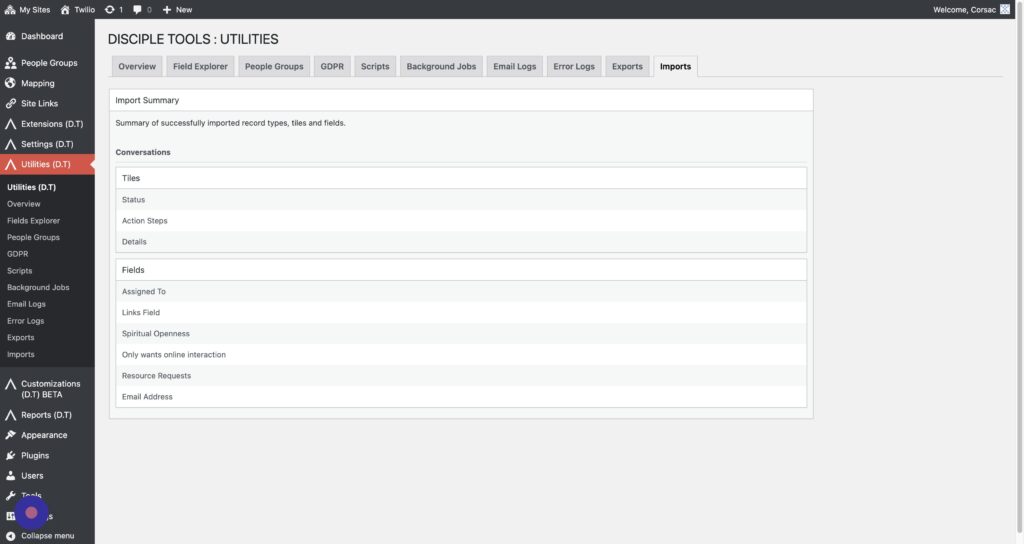
Exporting #
Head over to the Utilities (D.T) > Exports tab.
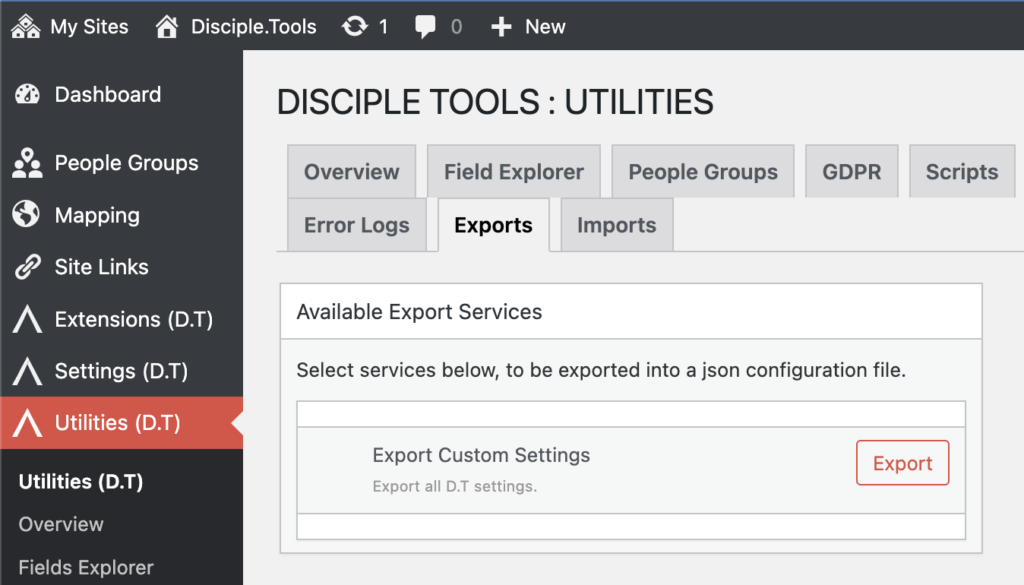
Here you can export all the (fields, tiles, record types) customizations you’ve made to Disciple.Tools.
Click export to do download a file name something like: “dt-1680253912.json”
Importing #
Head over to the Utilities (D.T) > Imports tab.
Importing tiles and fields #
Step 1
Navigate to the WordPress Admin
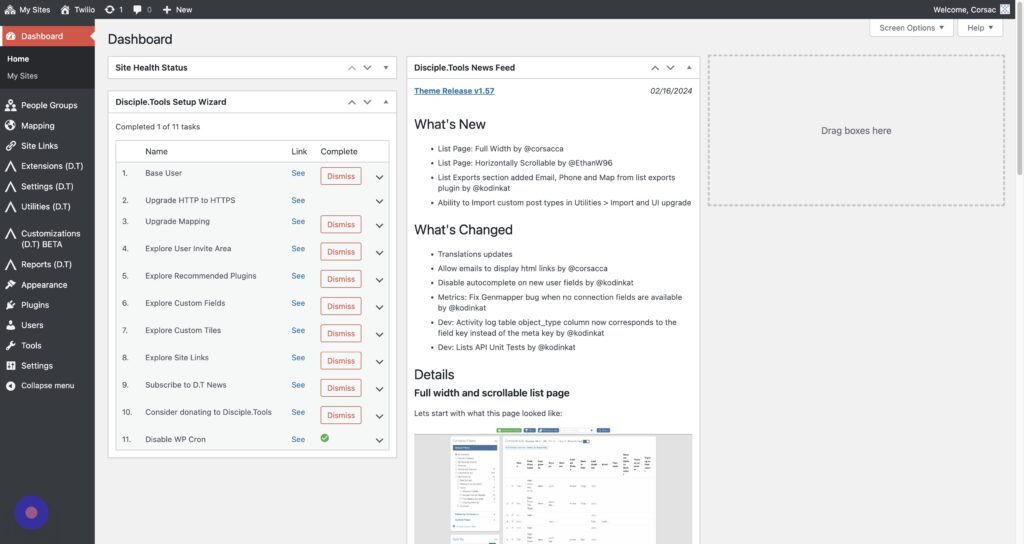
Step 2
Click Utilities (D.T) > “Imports”
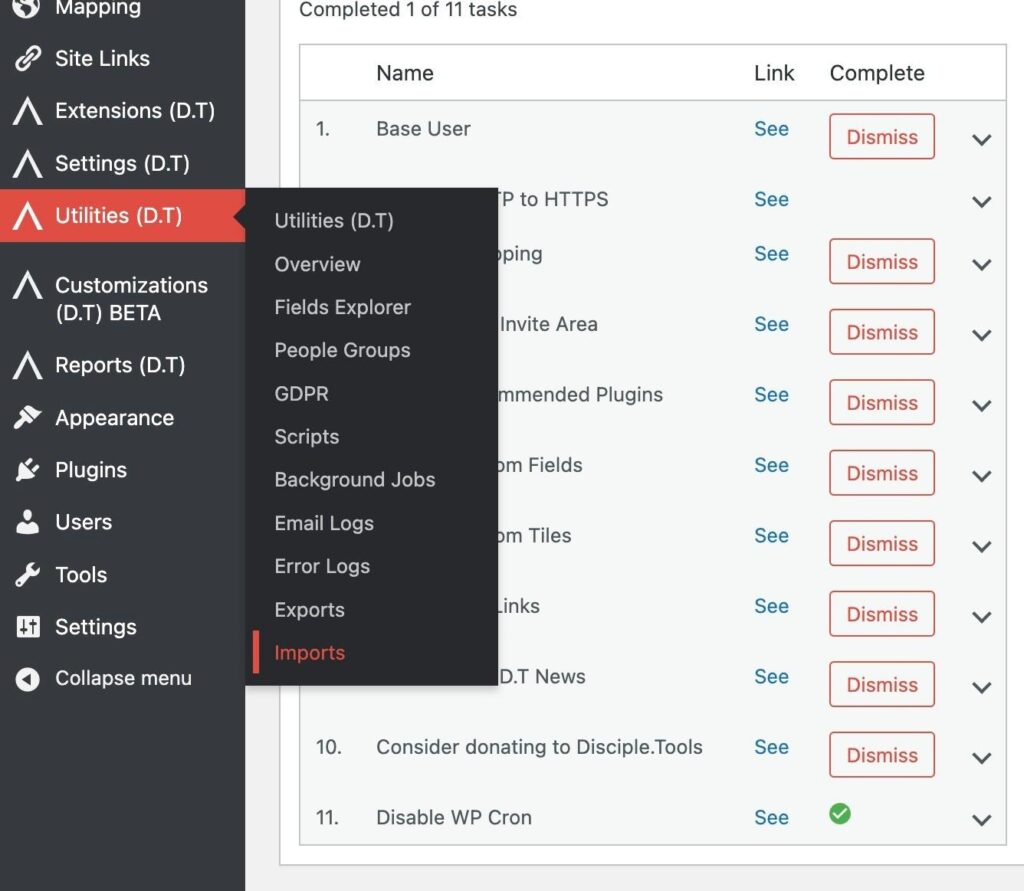
Step 3
Click “Choose File”
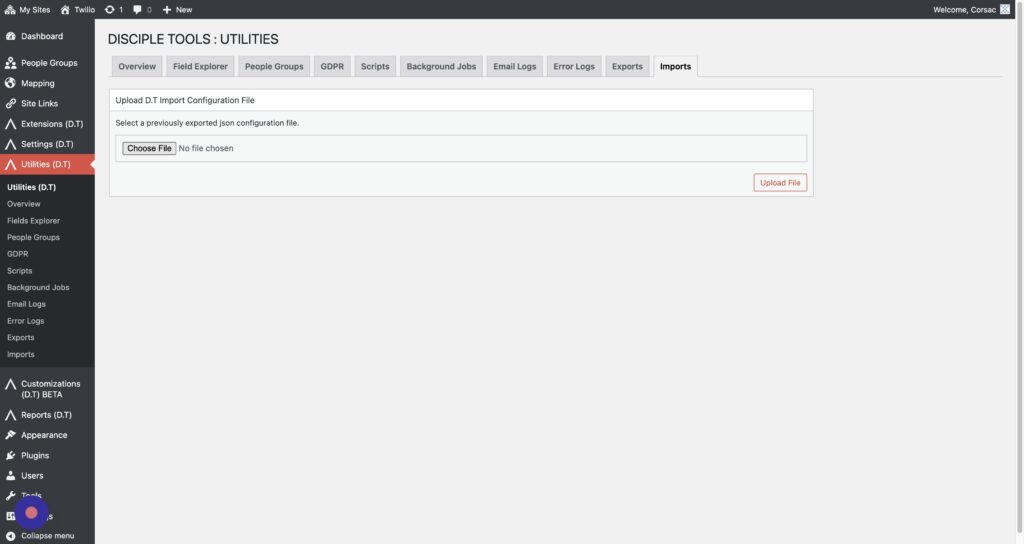
Step 4
Click “Upload File”
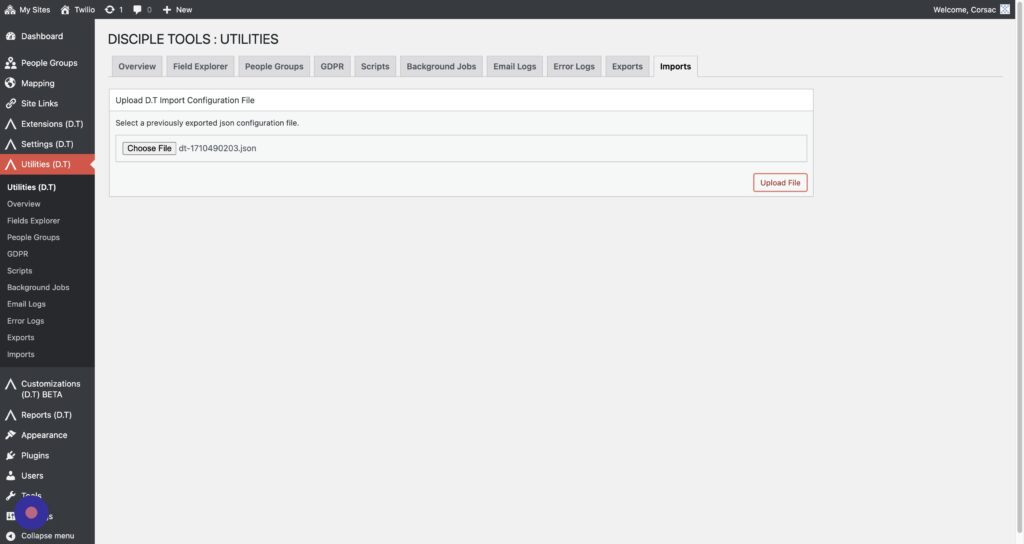
Step 5
Click “Contacts”
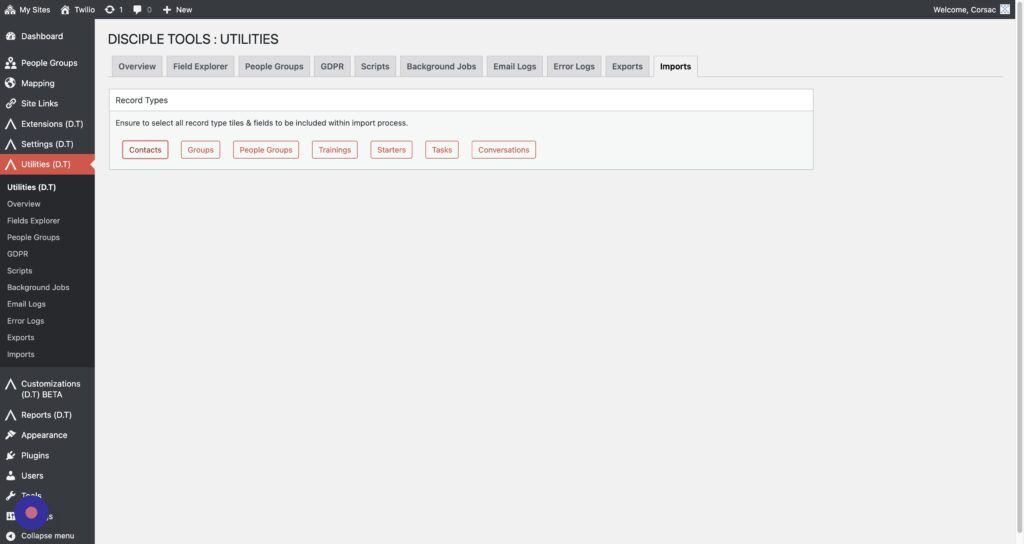
Step 6
To import a tile click “Import Tile Settings” field
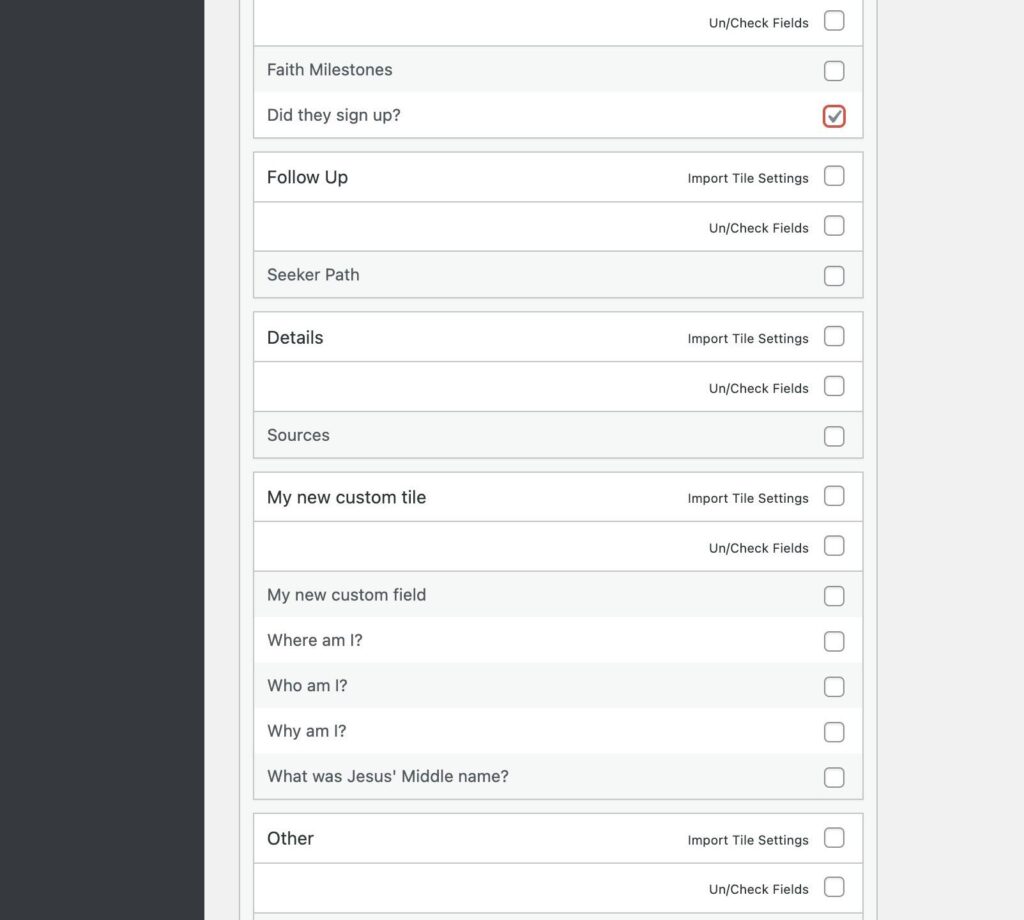
Step 7
To import all the tile’s fields, click “Check Fields”
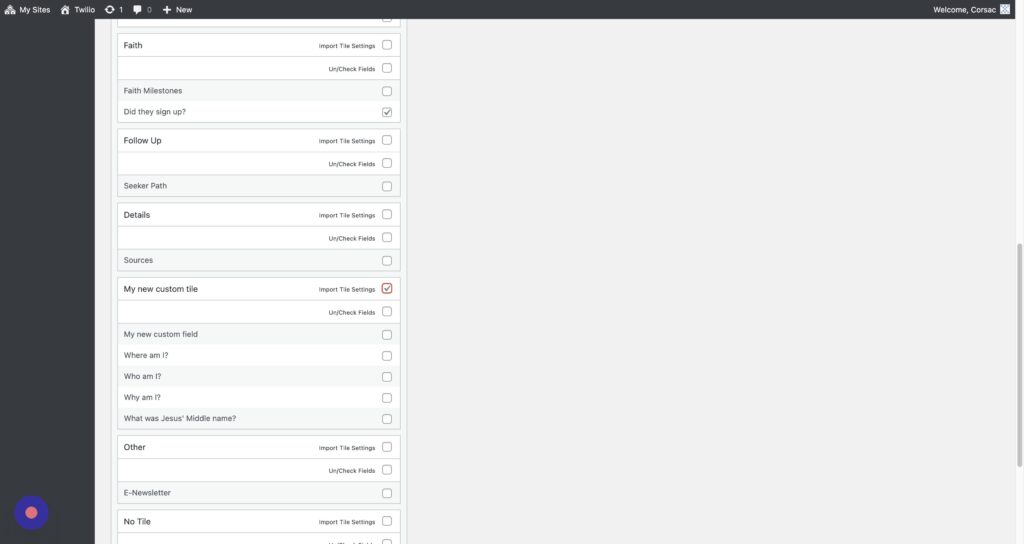
Step 8
To import just on field, click the checkbox by the fields’s name
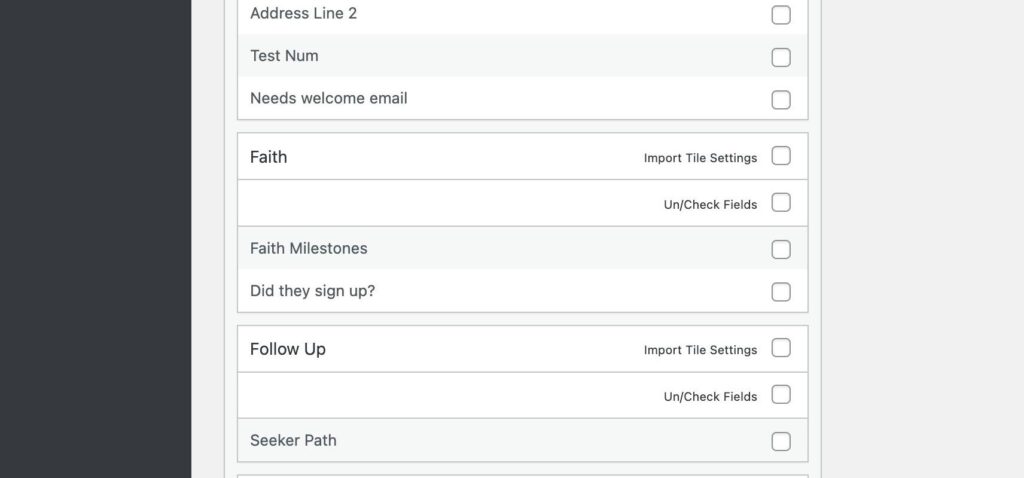
Step 9
When you have made your selection, click “Import”
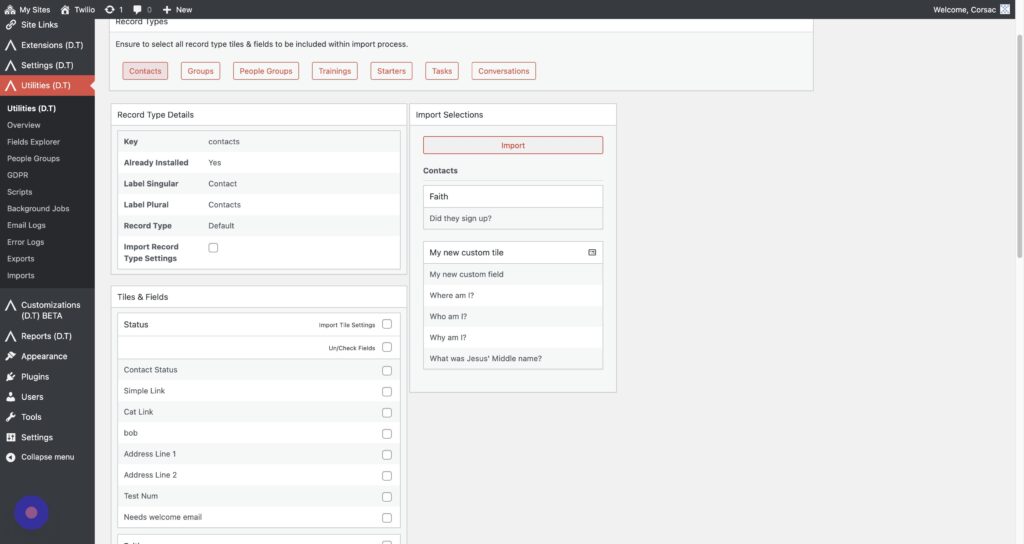
Step 10
The import is now complete!
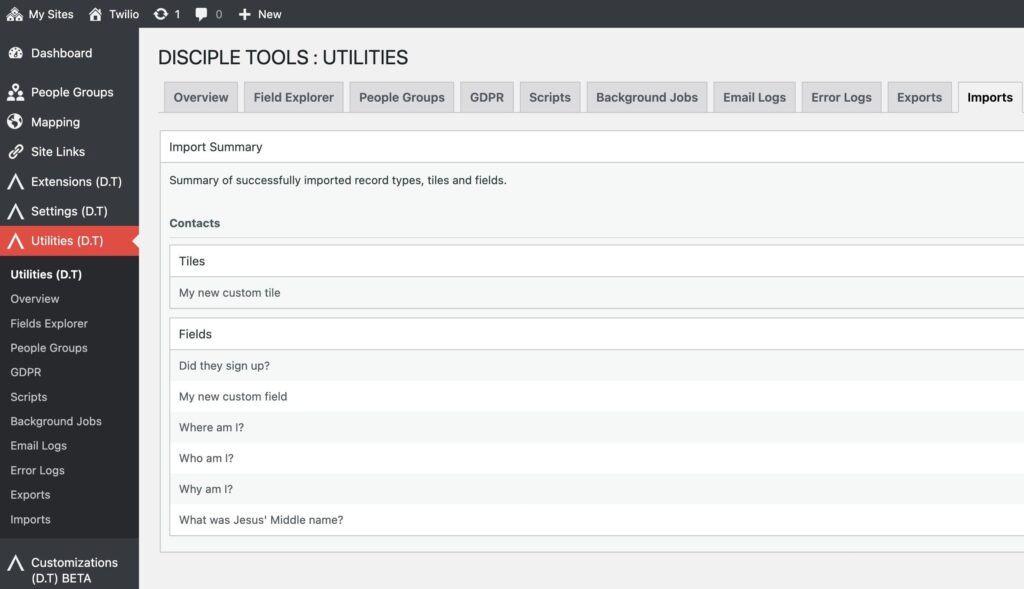
Importing a custom post type #
Step 1
To start navigate to the Worpdress Admin and click Utilities (D.T) > “Import”
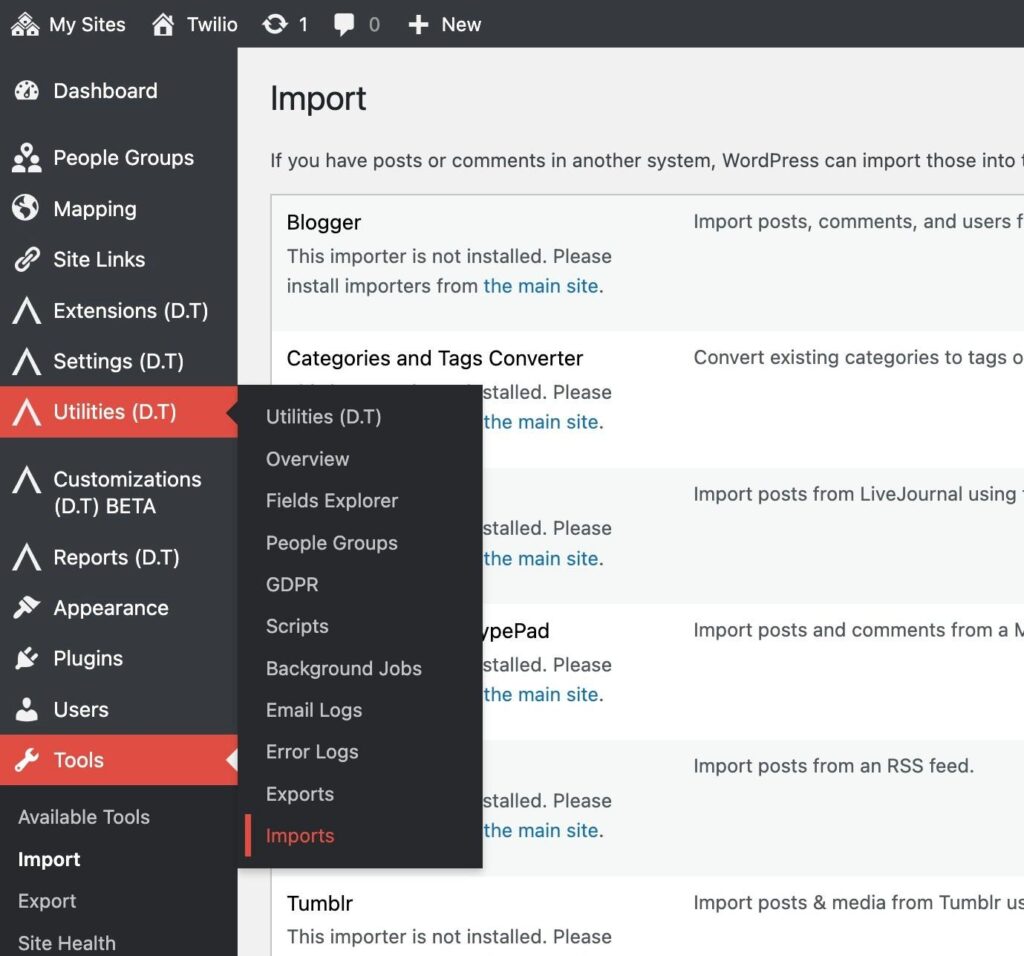
Step 2
Chose your File.
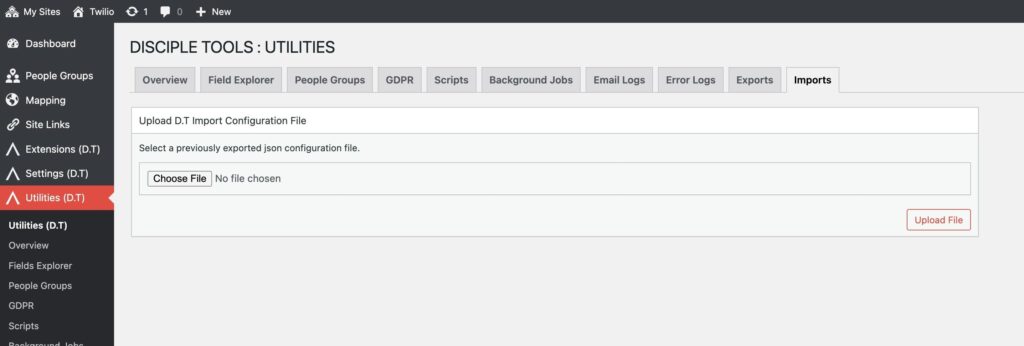
Step 3
Click “Upload File”
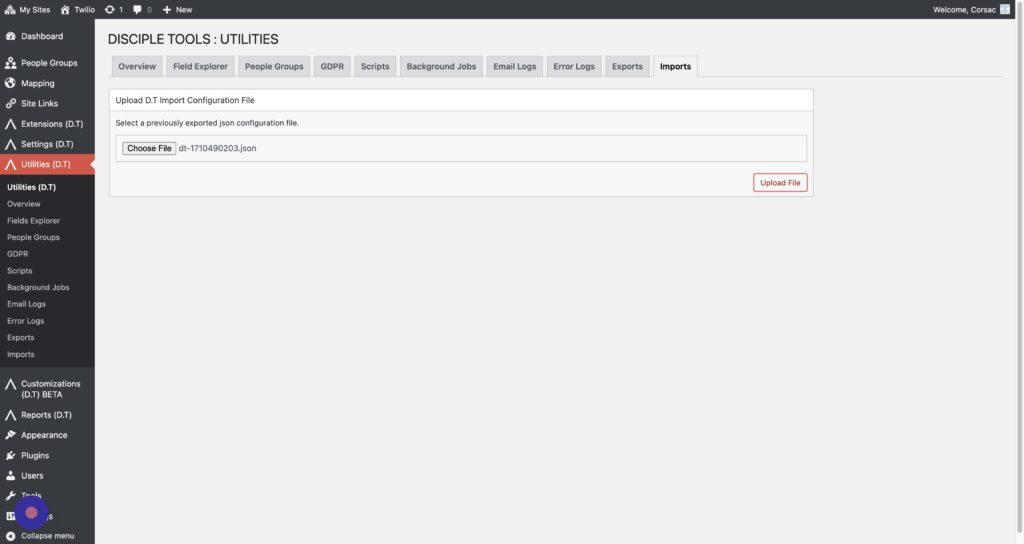
Step 4
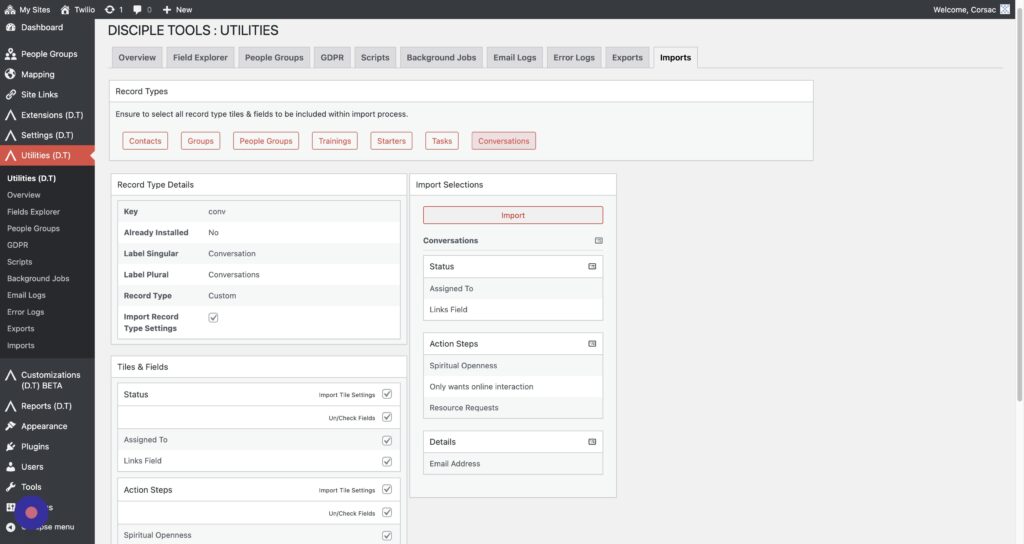
Here we are going to upload my custom “Conversations” record type. Click “Conversations”.
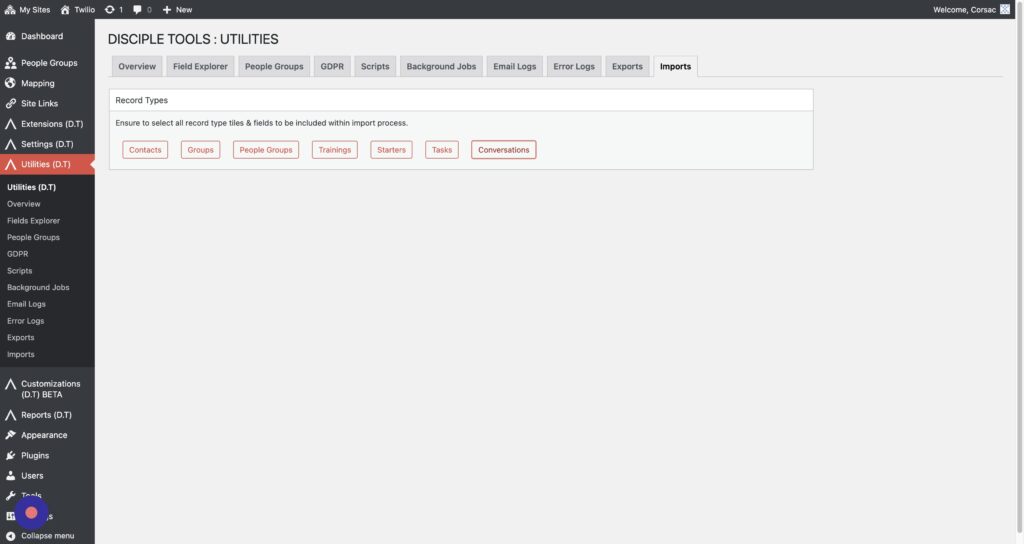
Step 5
Click “Import Record Type Settings” to import the custom post type.
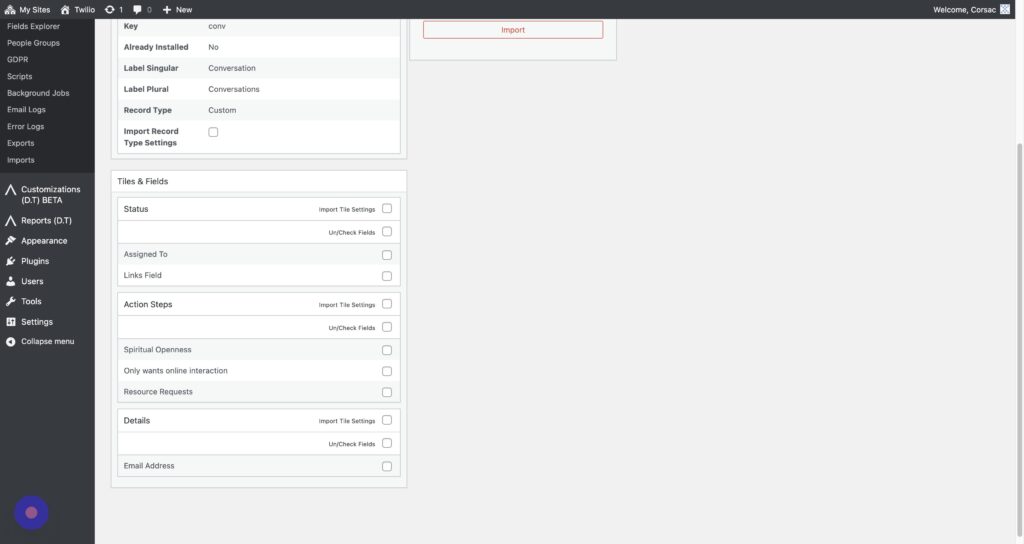
Step 6
Next we are going to select all the tiles and fields.
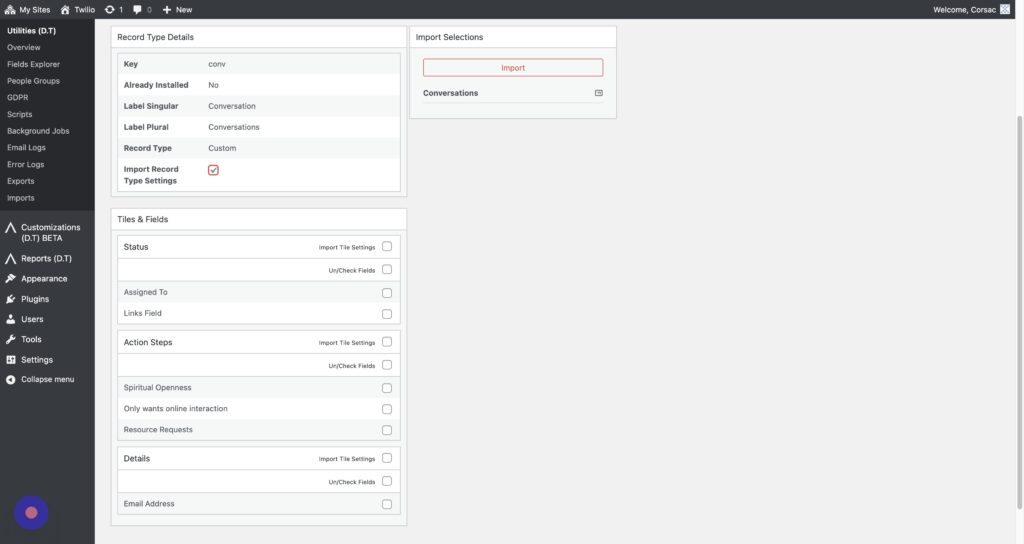
Step 7
Click the “Un/Check Fields” field.
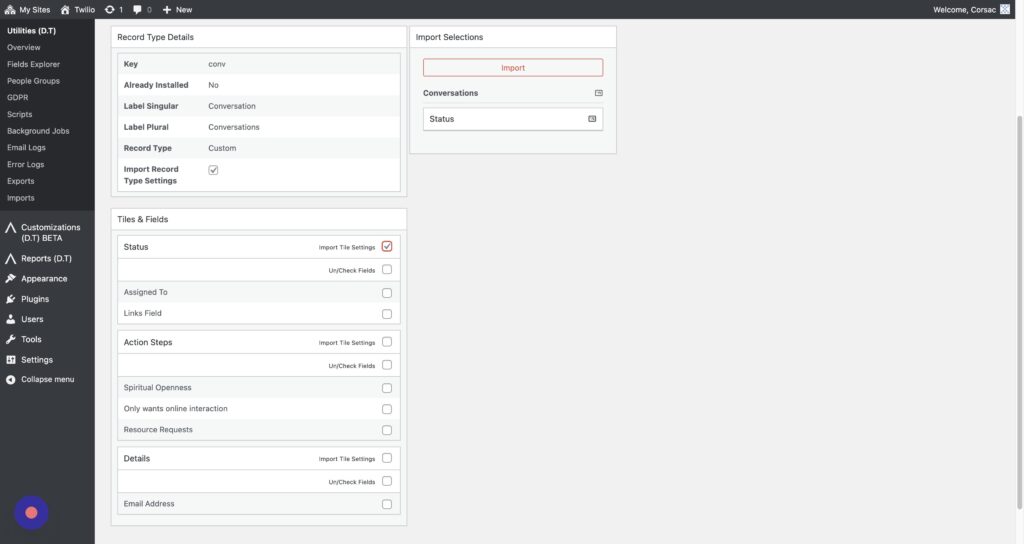
Step 8
Click the “Un/Check Fields” field.
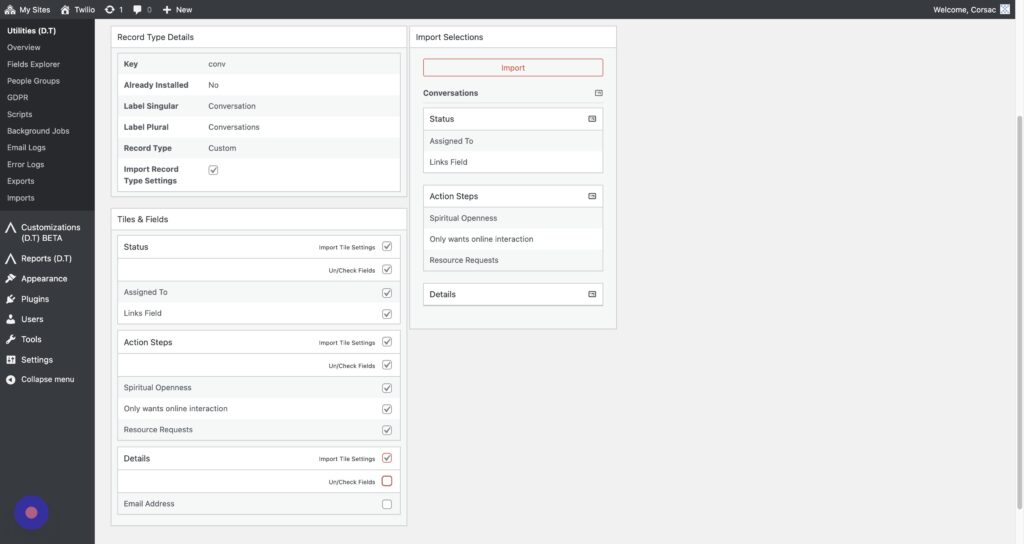
Step 9
To finish we’ll click “Import”
Step 10
Our custom record type is now imported!